If you want a Bangla typing app that goes beyond a basic keyboard, Bangla Keyboard & AI Notes is now positioned as a more modern productivity tool for iPhone and iPad. The current presentation emphasizes not just phonetic Bangla input, but also voice input, AI-assisted note work, and smarter note capture.
From the latest App Store header in your updated screenshot, the app title is now Bangla Keyboard & AI Notes, with the subtitle Phonetic Type, Voice & AI Note. That is an important shift because the product is no longer being framed only as a keyboard and notebook. It is now being presented as an AI-enhanced Bangla writing app.
What Is Bangla Keyboard & AI Notes?
Bangla Keyboard & AI Notes is a Bangla productivity app that combines:
- phonetic Bangla typing
- note-taking and organization
- voice-to-text style input
- AI-assisted suggestions and writing support
- image-based text capture
Instead of acting like a simple Bangla keyboard extension, it appears designed to help users create, capture, organize, and refine Bangla writing in one place.
That makes it useful for students, everyday writers, professionals, journalists, and Bangla speakers who want faster note-taking on iPhone or iPad.
Screenshots
Key Features
1. Phonetic Bangla Typing with Smart Suggestions
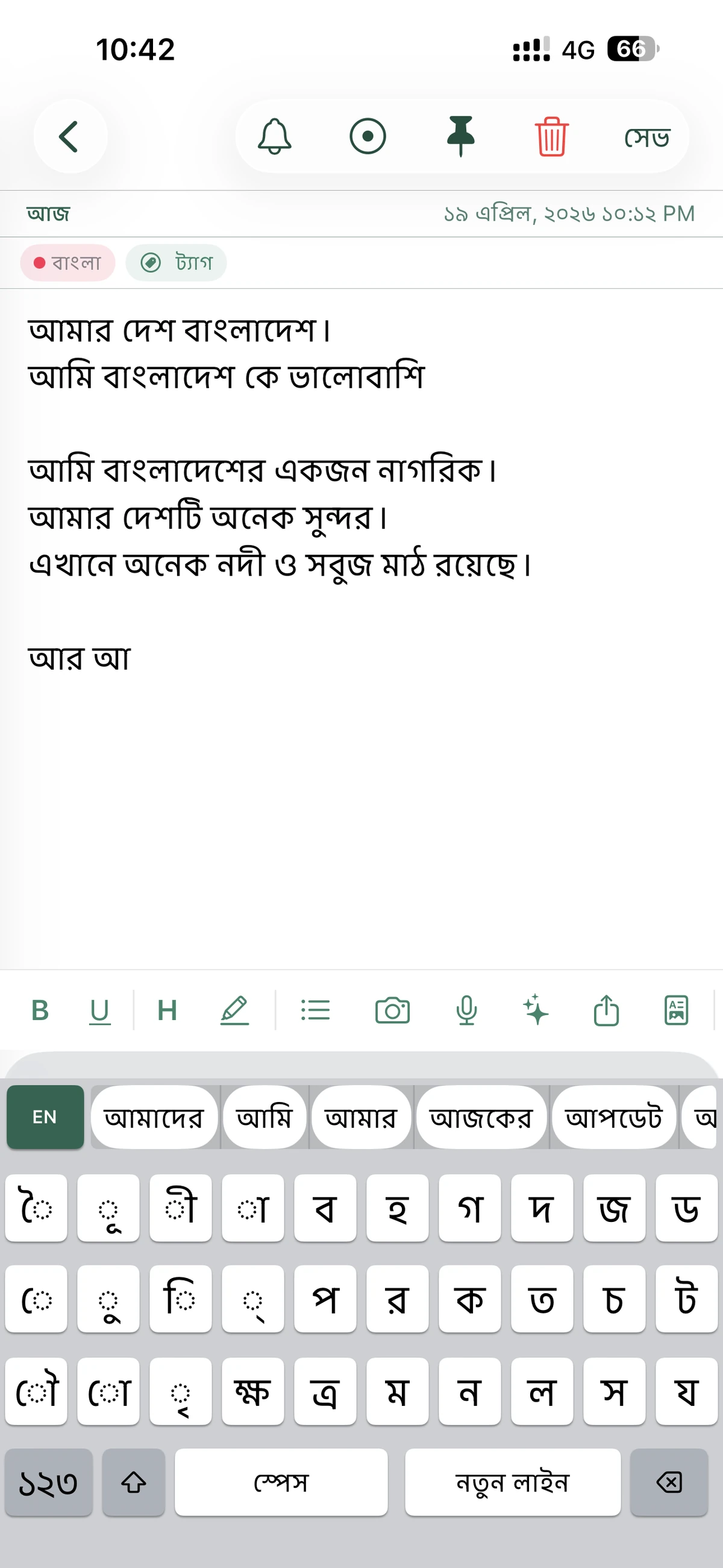
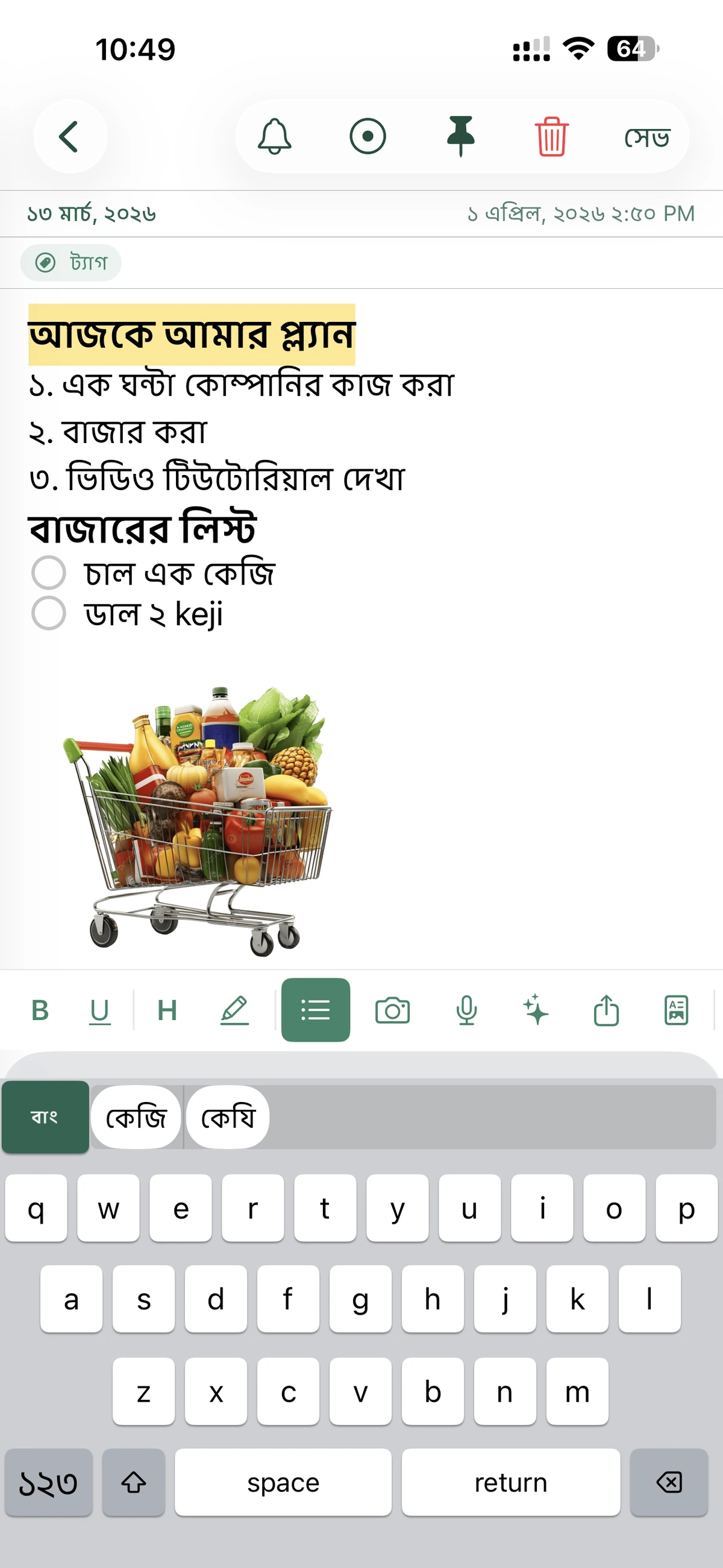
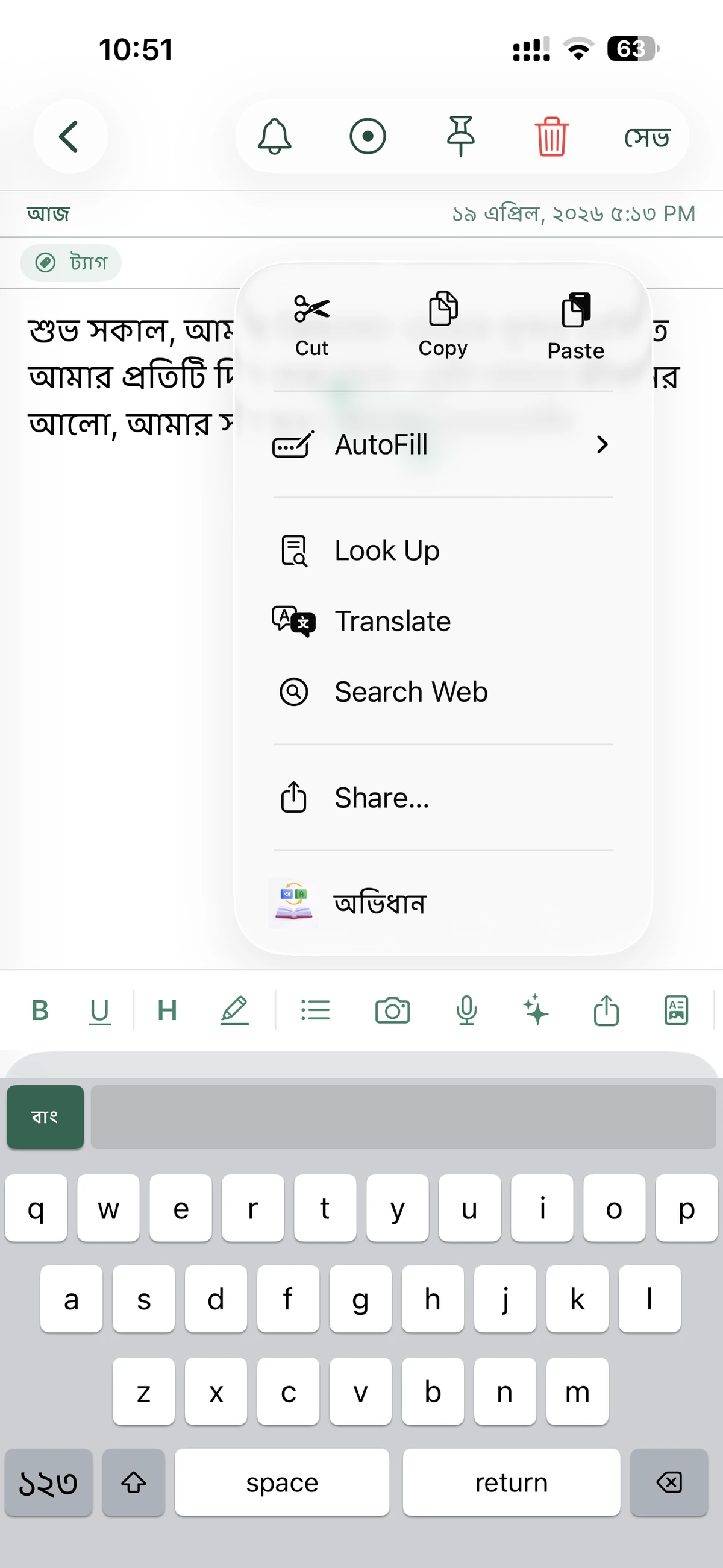
The core typing experience is still built around phonetic Bangla input. Based on the App Store description, users can type Bangla words with English letters in an Avro-style flow and get smarter suggestions while writing.
That keeps the app approachable for people who speak Bangla every day but prefer not to use a fully native key layout.
2. AI-Enhanced Note Writing
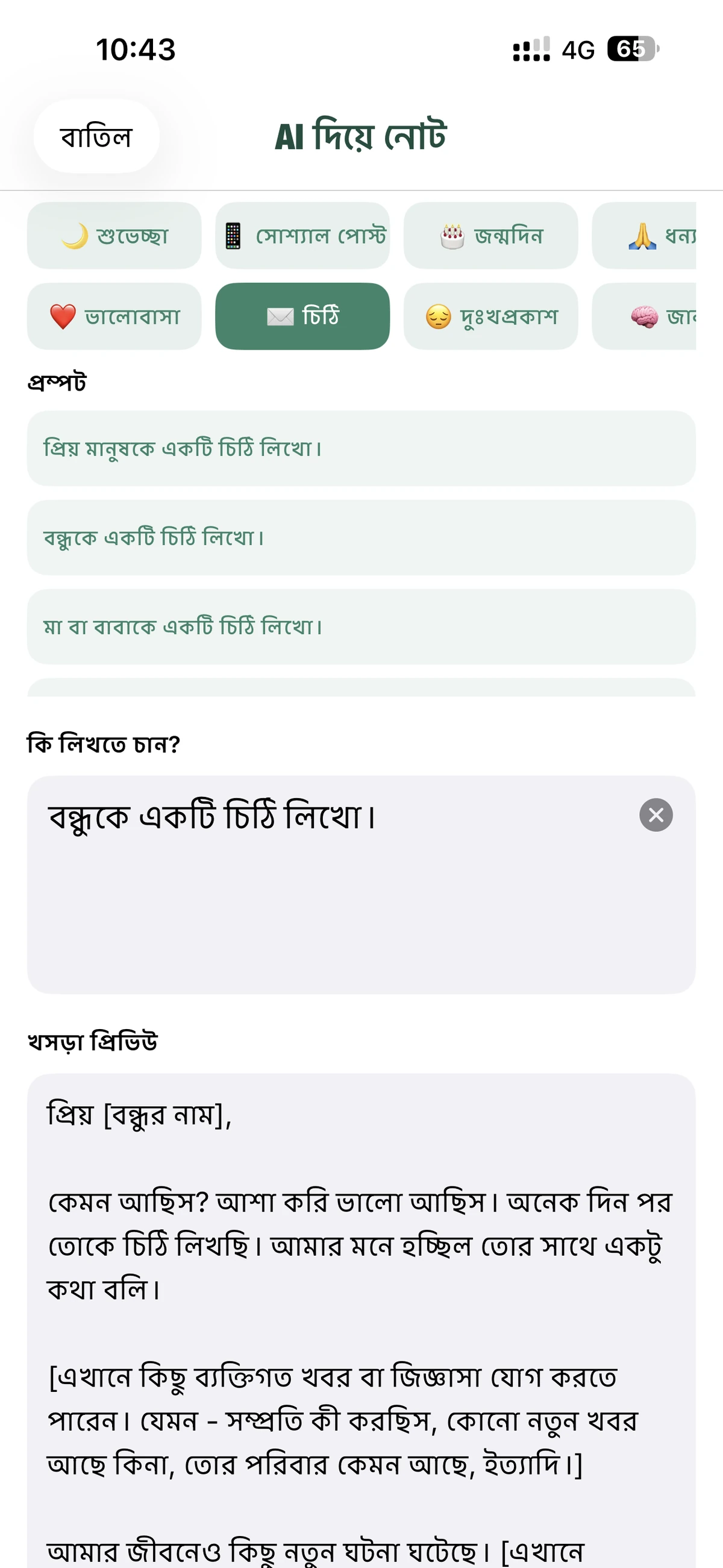
The title and description now push the AI angle much harder than before. The listing describes AI-powered suggestions, and your screenshot highlights the AI branding directly in the app name and subtitle.
That suggests the app is being positioned as a smarter writing assistant rather than a plain text editor. For a blog post, this is the strongest marketing angle to emphasize.
3. Voice Input for Faster Capture
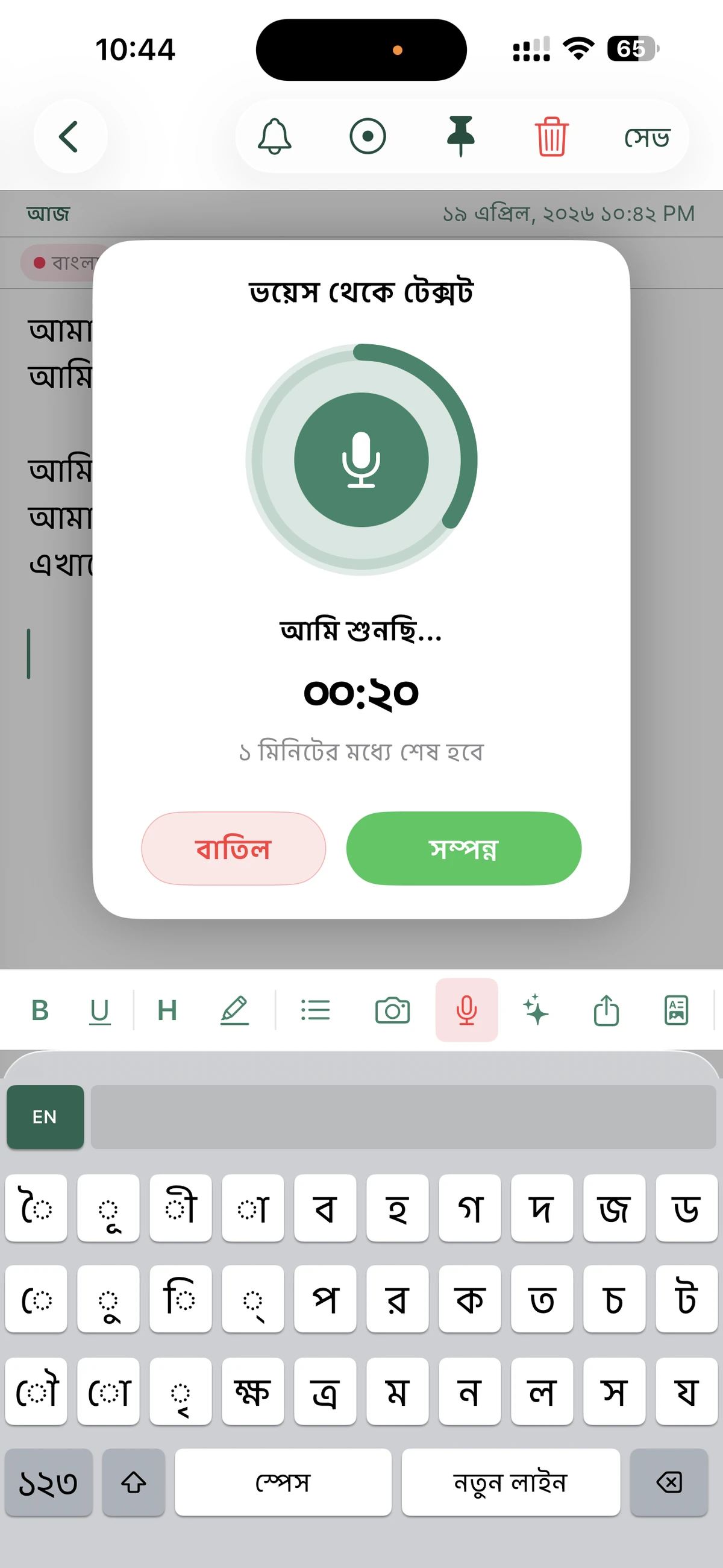
One of the updated screenshots clearly shows a microphone-driven input flow. That matters because voice capture is a very practical feature for quick Bangla note-taking when typing is slower or less convenient.
For many users, the combination of keyboard input and voice input will be more compelling than keyboard input alone.
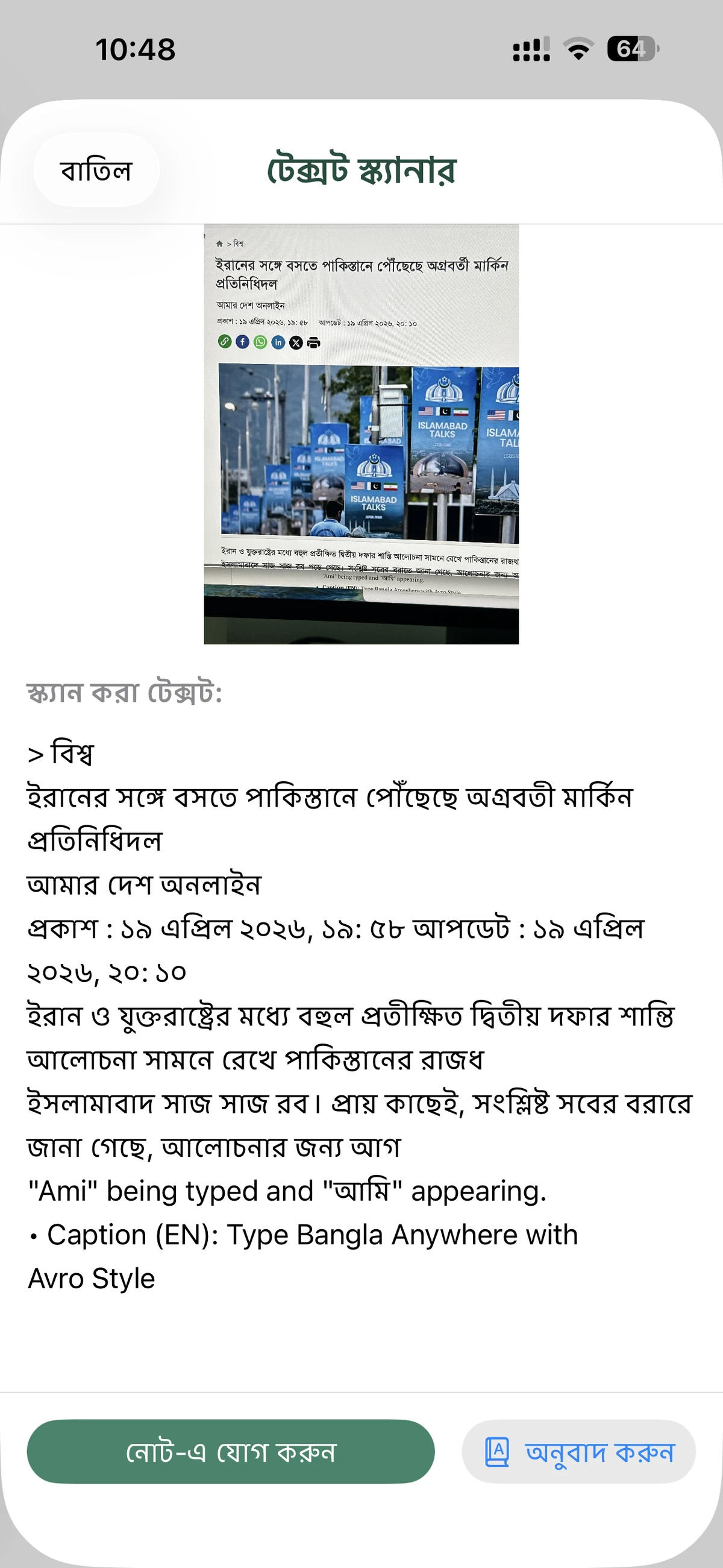
4. OCR and Image-to-Text Note Capture
The screenshot with the scanner view and extracted article text shows another useful upgrade: image-based text capture. That means users can pull Bangla text from screenshots, photos, or printed material and bring it into notes more quickly.
This is a strong productivity feature and also fits the AI-focused positioning well.
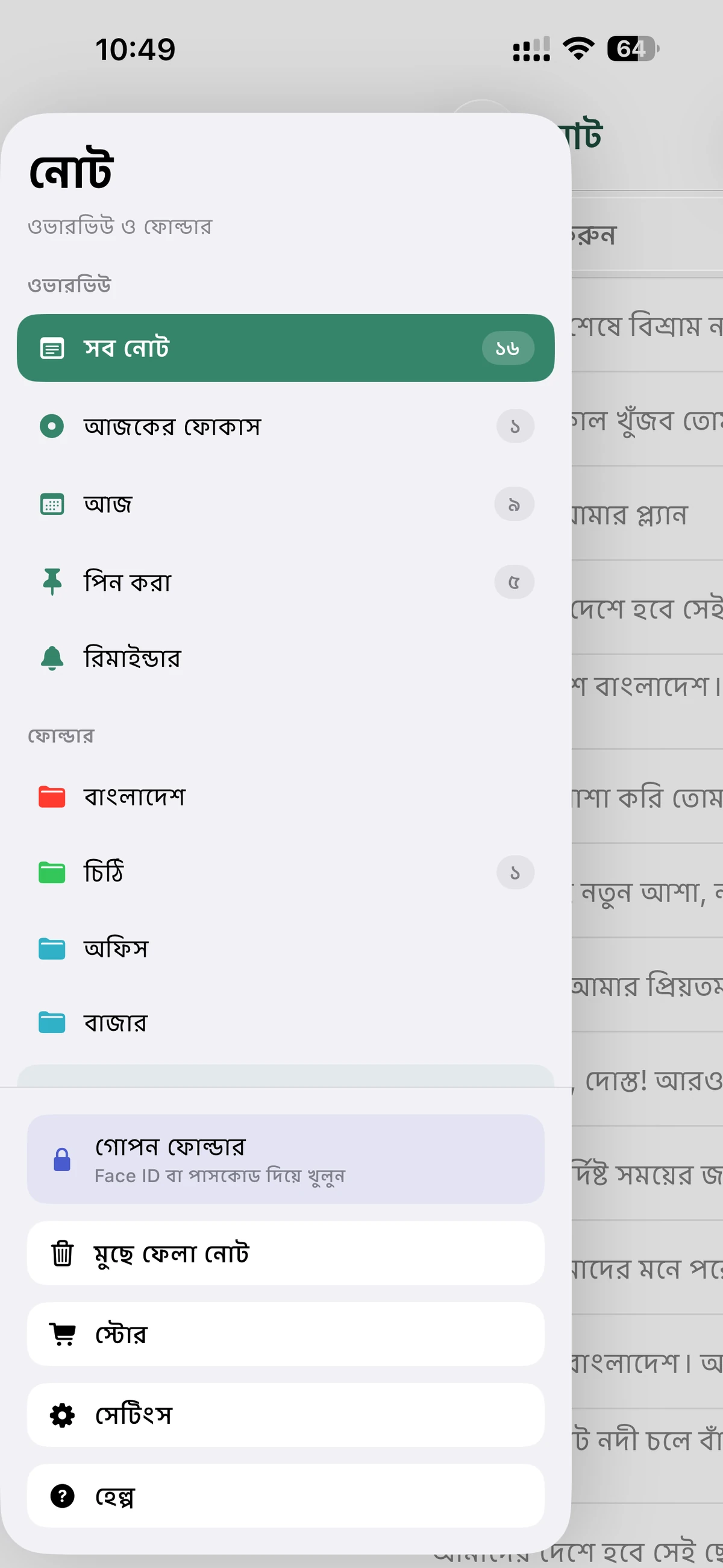
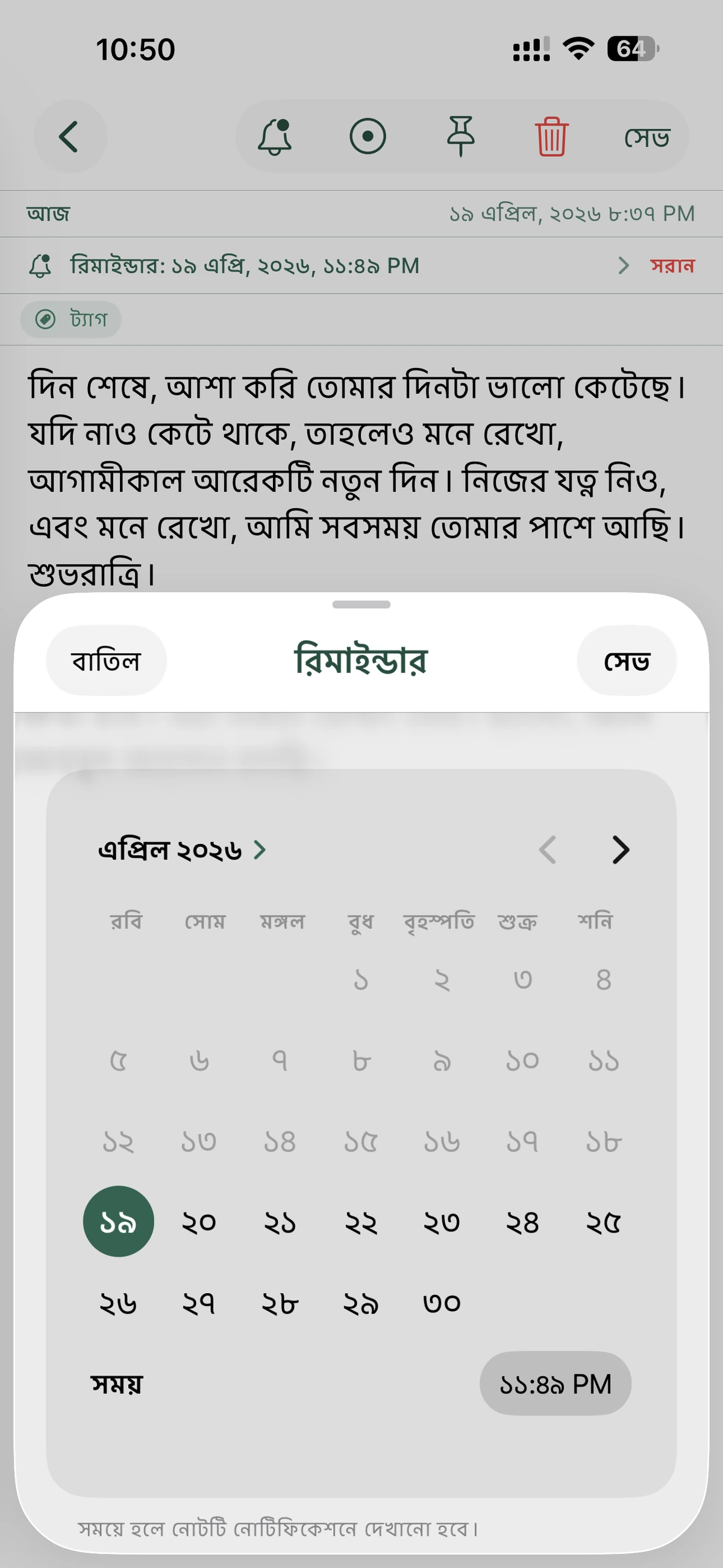
5. Smarter Notes with Reminders and Structure
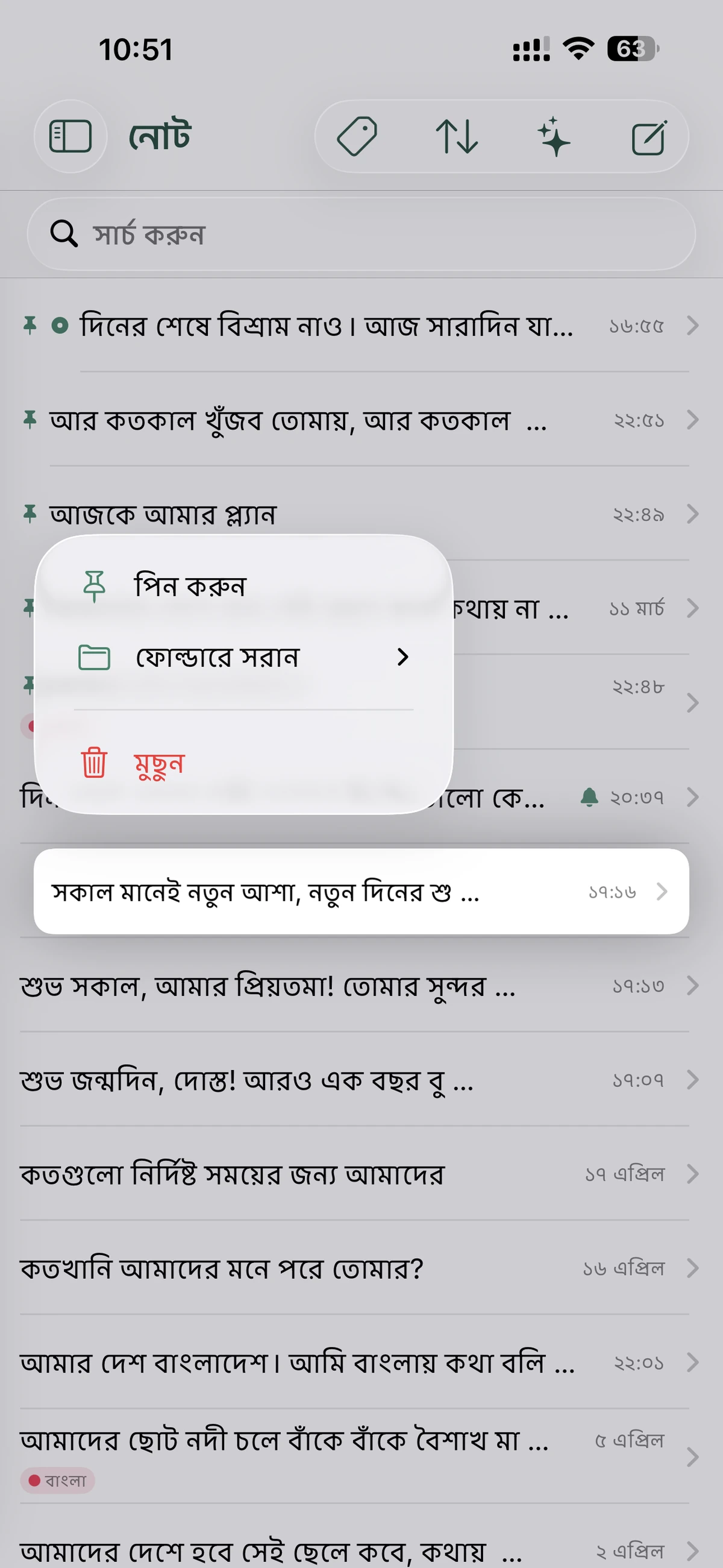
The newer interface also shows reminder support, pinned notes, folders, and tagging. That gives the app a stronger organizational layer, which makes it more useful for:
- study notes
- article drafts
- shopping lists
- work reminders
- personal journals
6. Private Notes with Secret Folder
The current App Store description also highlights a Secret Folder for private notes with local-only storage. That is an important privacy feature because the description says those notes are kept off iCloud sync.
So the app now combines AI-style convenience with a privacy-oriented note space for sensitive writing.
Why the AI Angle Matters
The updated branding changes how this app should be described. Older messaging focused mostly on Bangla typing and note storage. The new title, subtitle, and screenshot set suggest a broader pitch:
- Bangla keyboard
- AI note assistant
- voice note input
- image scanner
- structured note organization
That is a much stronger story for current App Store discovery because it puts the app closer to modern note-taking expectations.
App Store Details
Based on the updated App Store header shown in your screenshot, reviewed on April 20, 2026, the listing shows:
- App name: Bangla Keyboard & AI Notes
- Subtitle: Phonetic Type, Voice & AI Note
- Developer: iThinkdiff
- Category: Productivity
- Price: Free
- Rating: 4.6 out of 5 from 612 ratings
- Language: English
- Size: 37.4 MB
- Compatibility shown: iPhone, iPad
The cached App Store description I checked separately still describes the app as a Bangla keyboard and note tool with AI-powered suggestions, voice-related capture, image scanning, reminders, folders, and a private Secret Folder. That cached text appears slightly behind the screenshot branding, but it supports the same overall direction.
Download Bangla Keyboard & AI Notes
If you want a Bangla app that feels more modern than a basic keyboard, Bangla Keyboard & AI Notes looks like a practical combination of typing, voice capture, AI-assisted writing, and organized note management on iPhone and iPad.
iPhone & iPad
More Apps by iThinkdiff
← Back to Blog